Multi-Day Wedding Weekend: Invites, RSVPs and Headcounts
Key Takeaway
Welcome drinks, ceremony, reception, brunch: how to put a wedding weekend on one invitation, get a yes or no for each event, and keep every headcount right.
Build the weekend list first
Write the dates, start times, venues and hosts for each gathering. Then identify the invited people for each one. A rehearsal dinner may have a smaller list than a welcome party; a farewell brunch may have a different catering cutoff.
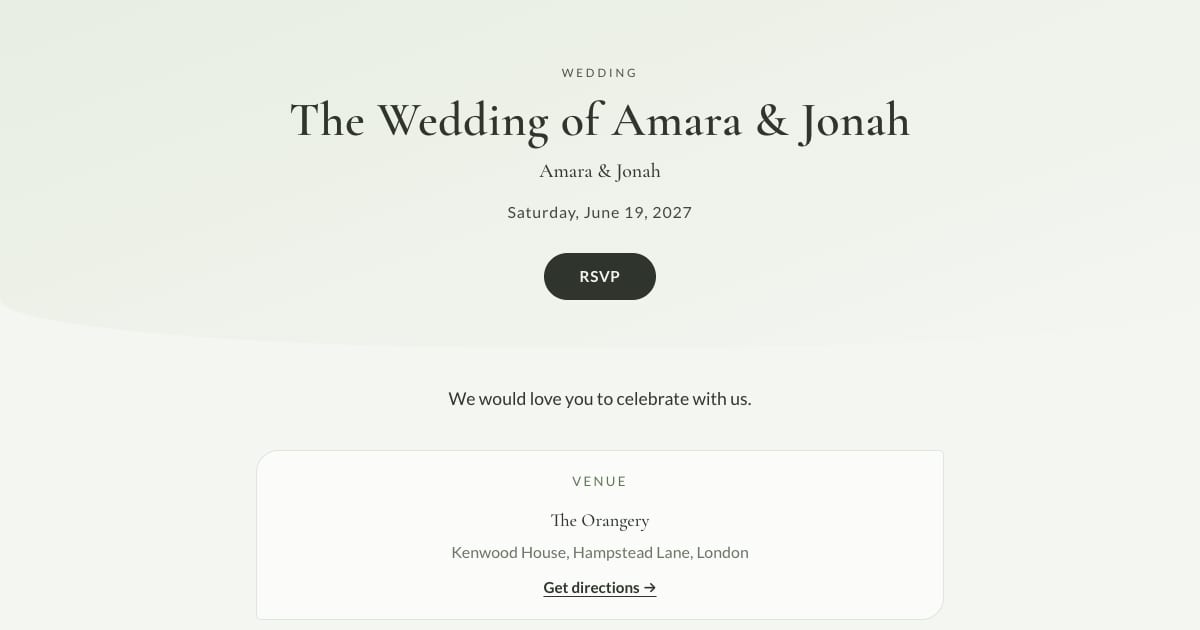
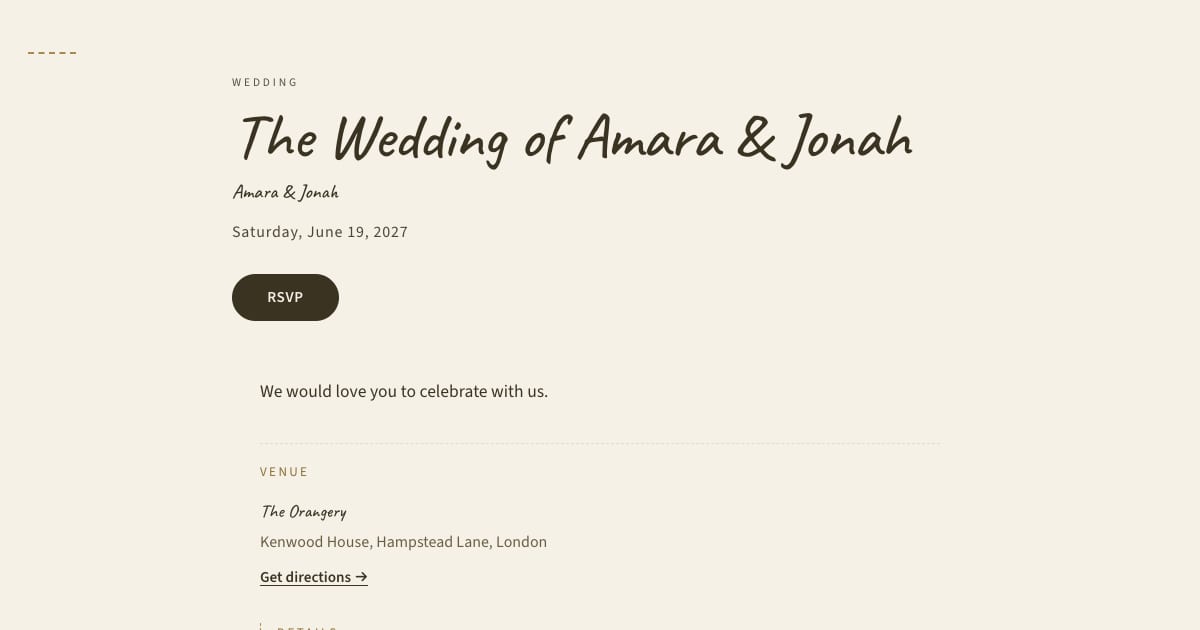
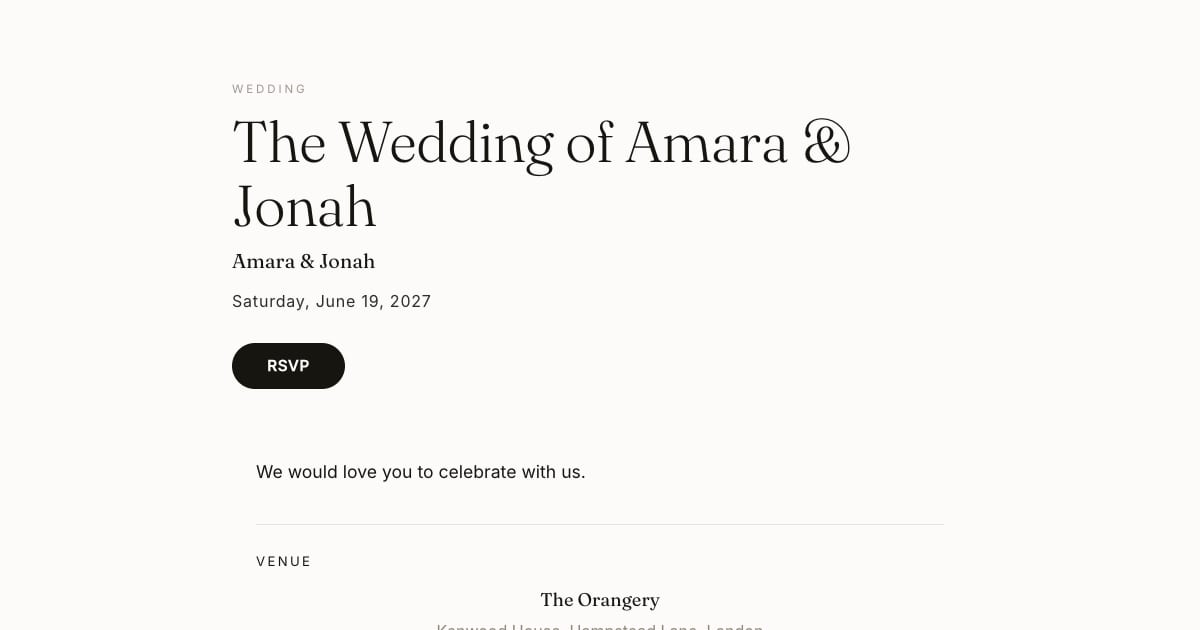
Use welcome party, rehearsal dinner and wedding examples as starting points for the wording.
How Bloomvite handles separate replies
Add sub-events and assign each guest to the appropriate ones. The personal RSVP form asks for a yes or no for the assigned sub-events. Review the separate replies and counts before giving numbers to each supplier.
The public invitation schedule is not a private invitation for each guest. Do not put sensitive gatherings on a public schedule and assume the RSVP assignment hides their existence. If a gathering needs a private message or a separate invitation, arrange that explicitly.
Travel and deadlines
Give confirmed travel information early enough for guests to book. Check accommodation and catering cutoffs individually; a brunch count may be due on a different date from the reception count. Set your reply deadline with a buffer for follow-up.
Our timing guide explains how to work backward from those deadlines. The delivery format does not reduce the time guests need to make plans.
A simple worked example
Suppose every guest is invited to Saturday's wedding, while twelve relatives are invited to Friday's rehearsal dinner. Assign those twelve records to the rehearsal dinner RSVP and communicate it directly. Check that a sample guest outside that group is not asked to reply to it. Review the public page separately for anything you intend to keep private.
Event-day limits and paid features
Bloomvite's check-in records arrivals for the event. It is not a separate admission ledger for every sub-event. Use an appropriate separate list if you need to account for entry to brunch as well as the reception.
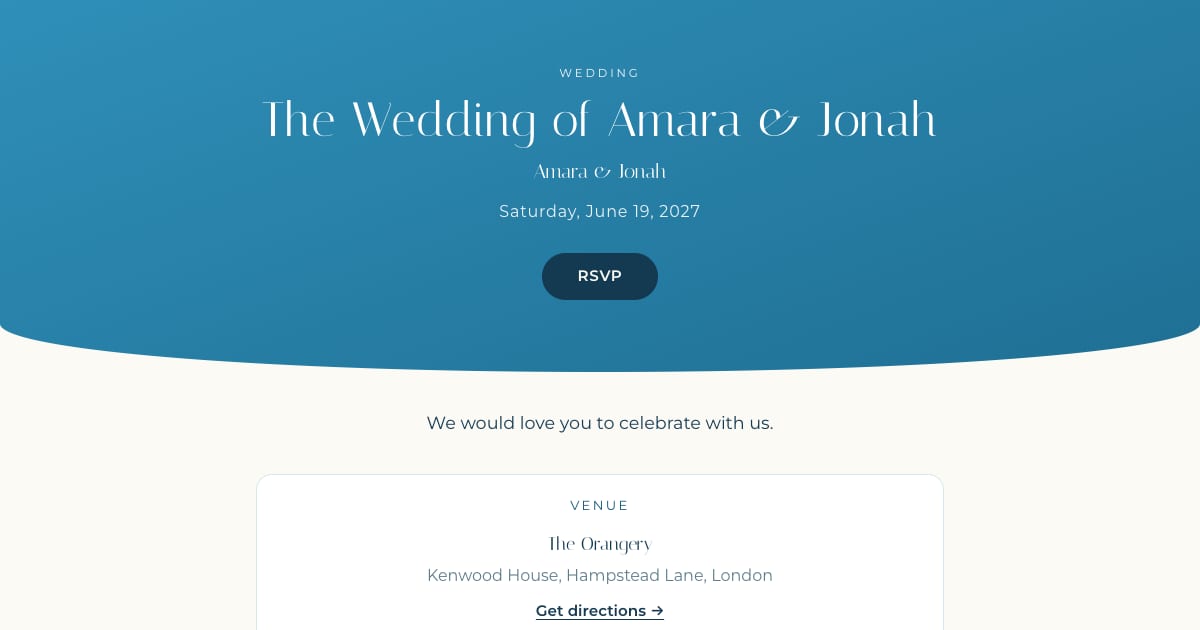
Bloomvite is free for one event and up to 50 people, including plus-ones and children, with all ten templates and no watermark. You share guest links yourself by text, WhatsApp or your own email. Pro is $39 per event for up to 300 people and adds invitation emails and automatic RSVP reminder emails, envelope reveal, seating, CSV import and QR check-in. Large event is $79 for up to 1,000 people. Guests need no account or app to RSVP.
Frequently asked questions
Can guests answer separately for each gathering?
Does assigning an RSVP hide a public schedule item?
Does one QR pass track entry to every gathering separately?
Plan the invitation and the replies together.
Free for one event and up to 50 people, including plus-ones and children. Paid features require Pro or Large.
Create your invitation, free