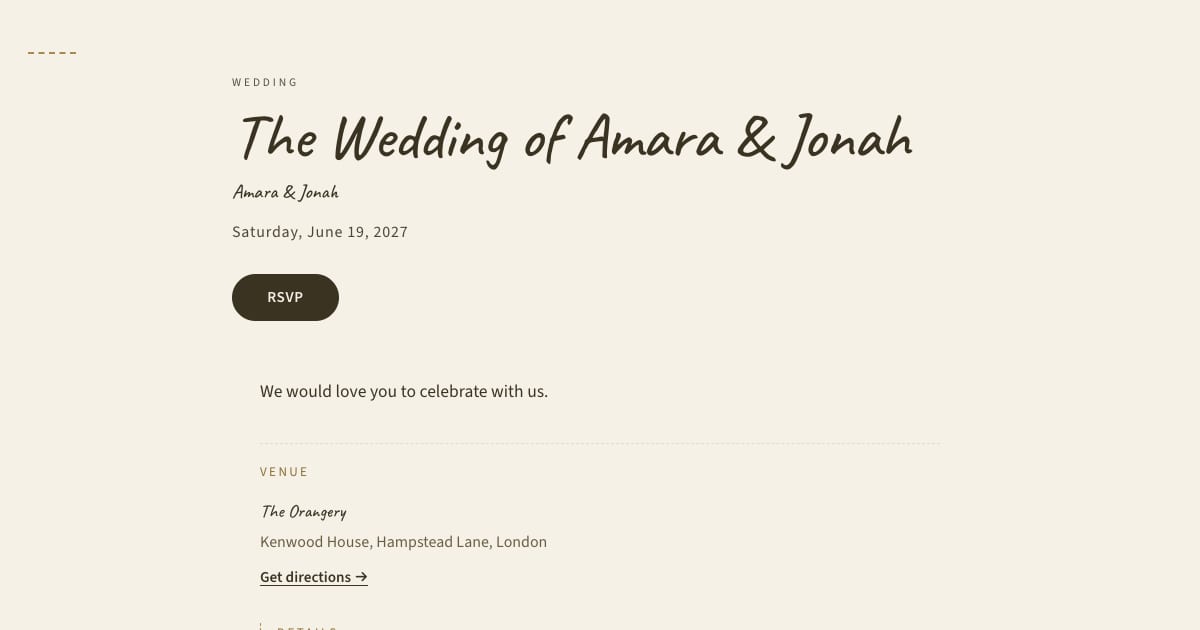
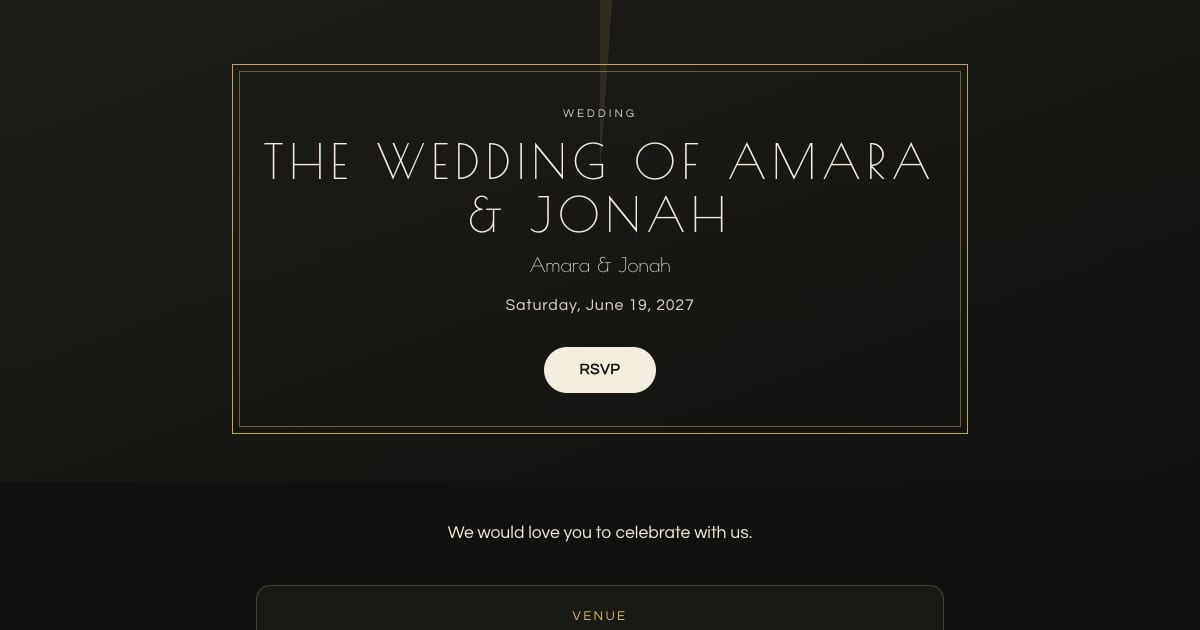
Best Digital Wedding Invitations With RSVP: A Practical Guide
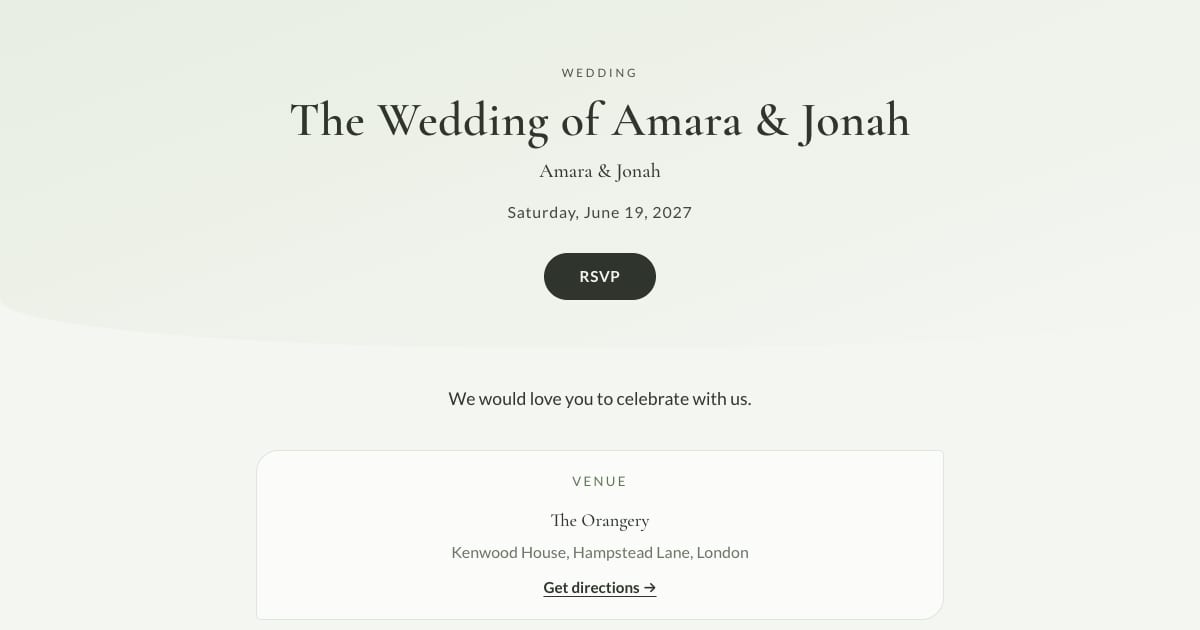
Key Takeaway
Compare six digital wedding invitation and RSVP options by format, free limits, paid sending and total cost, with current official sources.
How we compared the options
Bloomvite publishes this guide and is included in it. We reviewed the linked official documentation on 10 October 2026 for invitation format, RSVP, pricing model and paid extras. This is not a hands-on ranking or an exhaustive market survey. We have removed products whose current details were not verified in this review.
Design preference is subjective. Open your preferred design at phone size, try a sample RSVP and calculate the cost for your actual guest list before deciding.
Six options to compare
| Tool | Format and RSVP | Cost conditions |
|---|---|---|
| Bloomvite | One invitation page; meals, dietary notes, plus-ones and sub-event replies | Free: one event, 50 people. Pro: $39, 300 people. Large: $79, 1,000 people. Paid email reminders. |
| Joy | Wedding website, registry and online RSVP | Free core features and unlimited guests; optional paid upgrades. |
| Zola | Wedding website connected to registry, guest list and RSVP | Free website; optional custom domain costs extra. |
| The Knot | Wedding website with RSVP and registry links | Free core website; optional paid domain. |
| Paperless Post | Digital invitations and guest tracking | Selected design, features and recipient count determine the quote. |
| Evite | Free and Premium digital invitations with shareable links | Ad-free invitations and animated reveals require Premium. |
Bloomvite: a focused invitation page
Bloomvite is free for one event and up to 50 people, including plus-ones and children, with all ten templates and no watermark. You share guest links yourself by text, WhatsApp or your own email. Pro is $39 per event for up to 300 people and adds invitation emails and automatic RSVP reminder emails, envelope reveal, seating, CSV import and QR check-in. Large event is $79 for up to 1,000 people. Guests need no account or app to RSVP. Read pricing and browse the ten templates. Choose it if the invitation and RSVP are the main job. If you want a built-in registry, printed stationery or a multi-page wedding website, compare those services separately.
Automatic RSVP reminder emails are a Pro and Large event feature. They target eligible pending guests with an email address while the published event is open for replies, subject to sending limits. They are not automatic texts. Follow up manually with guests who have no eligible email address.
Joy: website and registry together
Joy's pricing page lists a free website, registry, RSVP, digital invitations and unlimited guests. Custom domains, text messaging and premium stationery are optional upgrades. Consider it when connected planning tools and a larger free guest list matter. See our Joy comparison.
Zola: a website connected to wedding details
Zola's free website connects RSVP, guest list and registry information. Its website also supports travel details and password protection; custom domains cost extra. Consider it when a central wedding website is your main destination. See our Zola comparison.
The Knot: website and planning information
The Knot's website builder includes RSVP and registry links on its free website, with an optional paid custom domain. Consider it when you want your invitation to point to a broader wedding information hub. See our comparison.
Paperless Post: price the selected invitation
Paperless Post's pricing varies with the design, features and recipients, including Coins and All Access options. Build a quote for your actual send rather than assuming a fixed wedding cost. It also documents app-based guest check-in, so it is incorrect to say the service has no check-in. See our focused comparison.
Evite: check Free versus Premium
Evite's official comparison includes customizable designs and shareable links in both Free and Premium. Its ad-free experience, envelopes and animated reveals are Premium features. Compare the selected invitation's quote and limits before sending. See our Evite comparison.
Make a shortlist with the same sample wedding
- Choose website or dedicated invitation. See how they differ.
- Count actual invited people, including children and additional guests. Separately count messages or recipients where a supplier prices those.
- List required RSVP fields: meals, dietary notes, additional guests and separate events. Test those on your shortlist.
- Choose a delivery channel and check whether sending and reminders cost extra.
- Check the final quote, invitation on a phone and guest reply process before committing.
For the invitation itself, see wedding examples, etiquette and timing.
Frequently asked questions
Which option is best for a free wedding website?
Is Bloomvite free for 50 invitations?
Do other invitation services offer guest check-in?
Try a design with your own wording.
Free for one event and up to 50 people, including plus-ones and children. Paid features require Pro or Large.
Create your invitation, free