Corporate event invitations
Invitations for galas, dinners, and corporate events.
An invitation-only evening does not need ticketing software. It needs an invitation that looks like your brand, an RSVP that captures names and dietary needs, a seating chart, and a way to check people in at the door. Bloomvite does all four. Put your logo or venue photo on a template, add your accent color, import the guest list, and send each guest a personal link. Up to 1,000 people for $79, one-time, with no per-ticket fees.
Templates we would start with
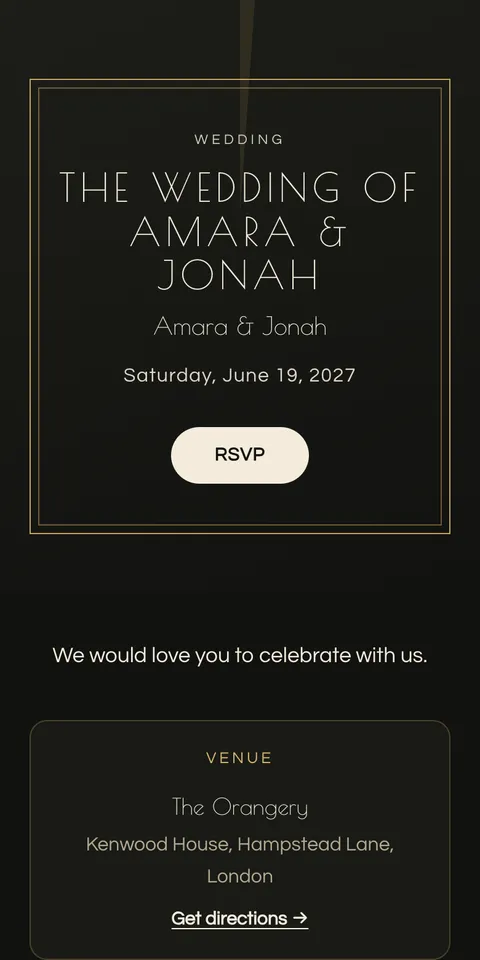
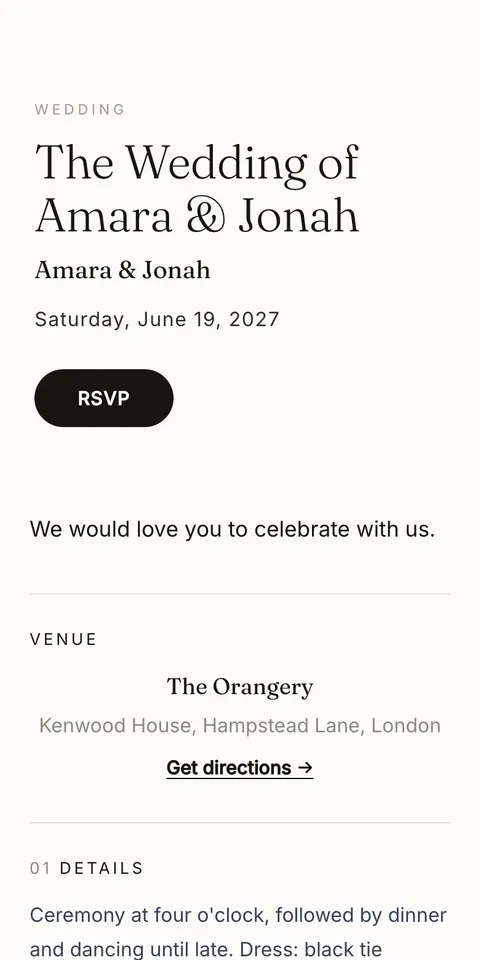
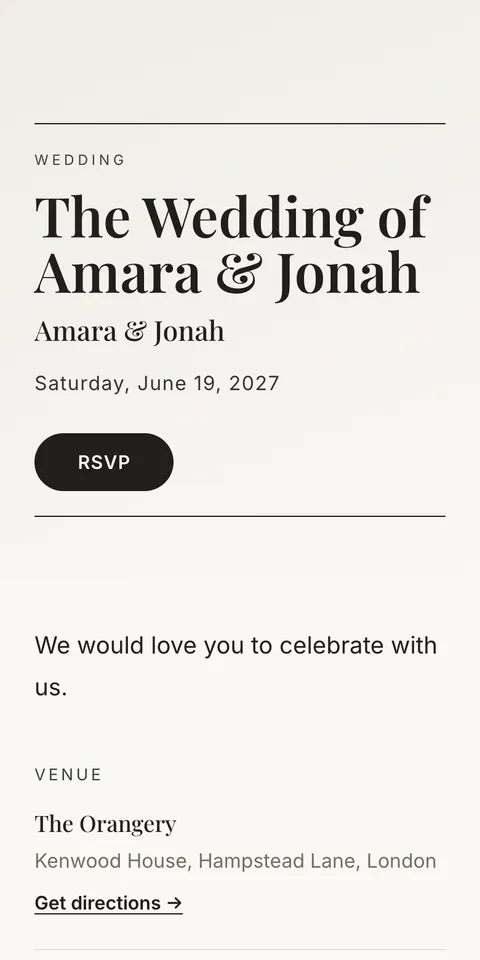
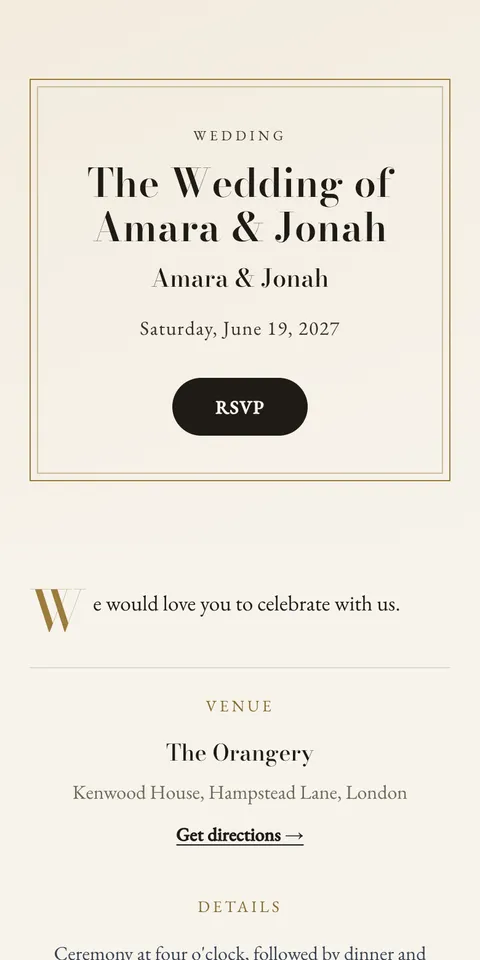
How it works
- 1
Pick a template
Choose a design, then change the font pair, accent color, and cover photo on a live preview that is the real invitation.
- 2
Add details and guests
Create the event as "Corporate", fill in the date and venue, and add guests by hand, or import a list on Pro or Large.
- 3
Send and relax
Send each guest a personal link from your email or messages. Review replies in the guest list. Pro and Large add reminder emails for eligible pending guests with email addresses.
What to include
- Who is hosting
- The company or foundation, and the occasion.
- Program
- Reception, dinner, speeches, as a schedule with times.
- Dress code
- Black tie, business, cocktail.
- Venue and access
- Address, map link, parking or entry notes.
- RSVP deadline
- Two weeks before, so catering has dietary numbers.
Wording examples you can use
Each example is shown on a real template. "Use this wording" starts your invitation with it, and you change the names and details to yours.
The Whitfield Foundation Gala
The Whitfield Foundation
requests the pleasure of your company
at its Annual Gala
Thursday 18 November, 7 p.m.
The Great Hall, Lincoln's Inn
Black tie
Acme ten years
Acme invites you to dinner
to mark ten years in London
Wednesday 3 November, 7:30 p.m.
Hawksmoor Guildhall
When to send it
- 6 to 8 weeks before Send the invitation (save-the-date earlier for a gala).
- 1 week before the deadline Follow up manually, or use reminder emails on Pro or Large for eligible pending guests with an email address.
- 2 weeks before RSVP deadline, dietary list to catering, seating from confirmed guests.
- On the night Staff scan guest passes at the door from any phone.
Pricing
Free
1 event, up to 50 people, every template and RSVP. You share it yourself. No watermark.
$39 per event
Up to 300 people, plus emailed invitations and reminders, seating, CSV import, and QR check-in.
$79 per event
Up to 1,000 people. Everything in Pro.
One-time, no subscription. Full pricing.
Questions
- Can I put our logo on the invitation?
- Yes, as the cover image, with your brand's accent color on any template. There is no Bloomvite watermark.
- How many guests can I invite?
- Up to 1,000 people on the Large event tier ($79 per event, one-time). Up to 300 on Pro ($39). Each guest counts with the plus-ones they may bring.
- Do staff need an app to check guests in?
- No. The scanner runs in any phone browser, several doors at once, with a live arrivals count and a check-in by name for guests without their pass.
- Can I import our guest list?
- Yes. On the paid tiers, paste your list from a spreadsheet (name, email, phone, one guest per line).
- Can we sell tickets?
- No. Bloomvite is for invitation-only events. Use a ticketing platform for paid events.
Free for 50 people. No watermark, ever.